
































ANNUAL VALUE Save 35% with the 12-month Dodo IPTV plan.
Save 35% on the annual planTrusted by satisfied viewers in Australia

Dodo IPTV — smooth 4K streaming and live TV in Australia

Bring live channels, major sport, movies and series together on compatible Smart TVs, Fire TV, Android, Apple and mobile devices. Setup guidance is written in clear Australian English, and friendly support is available when you need a hand.

4.9/5243 reviews
35,000+channel listings
179,000+movies and episodes

Choose reliable viewing value from A$95 for 12 months — no oversized cable contract.

Friendly support, day and night

Compatible with popular IPTV players and connected screens

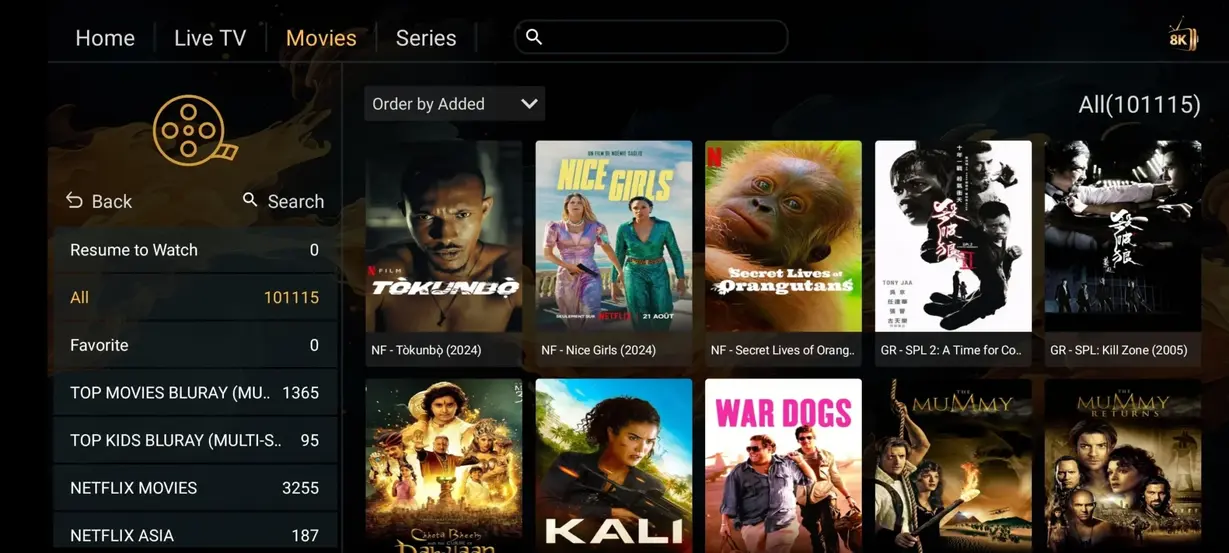
Movies and series

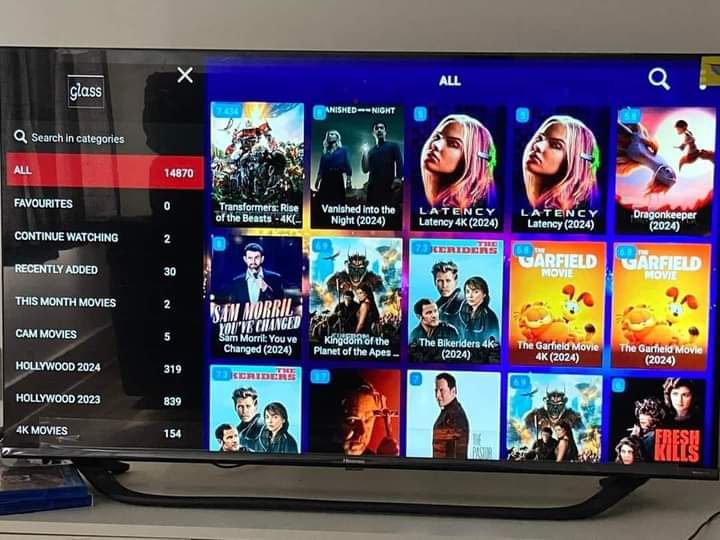
A Dodo IPTV VOD library built for relaxed browsing

Move between new releases, familiar favourites and series categories with search, watch lists and app-level parental controls.

Live sport

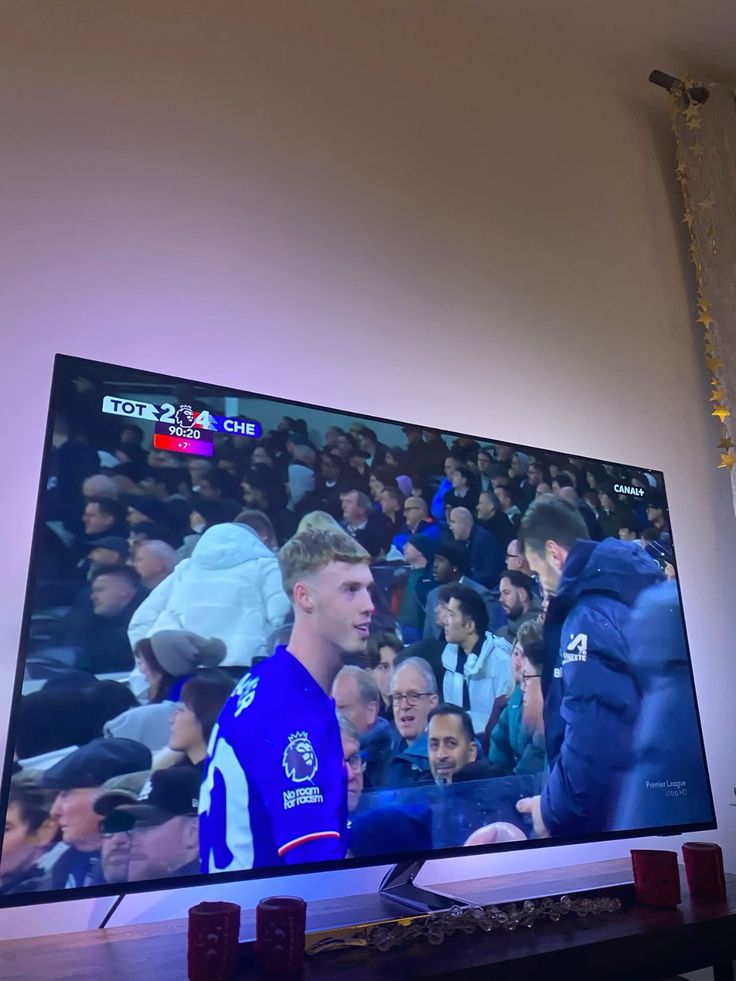
Follow sport on the screen that suits you

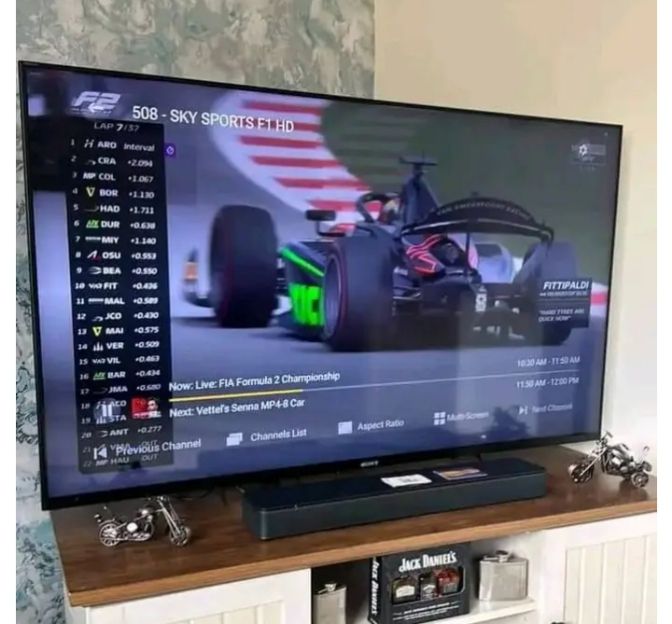
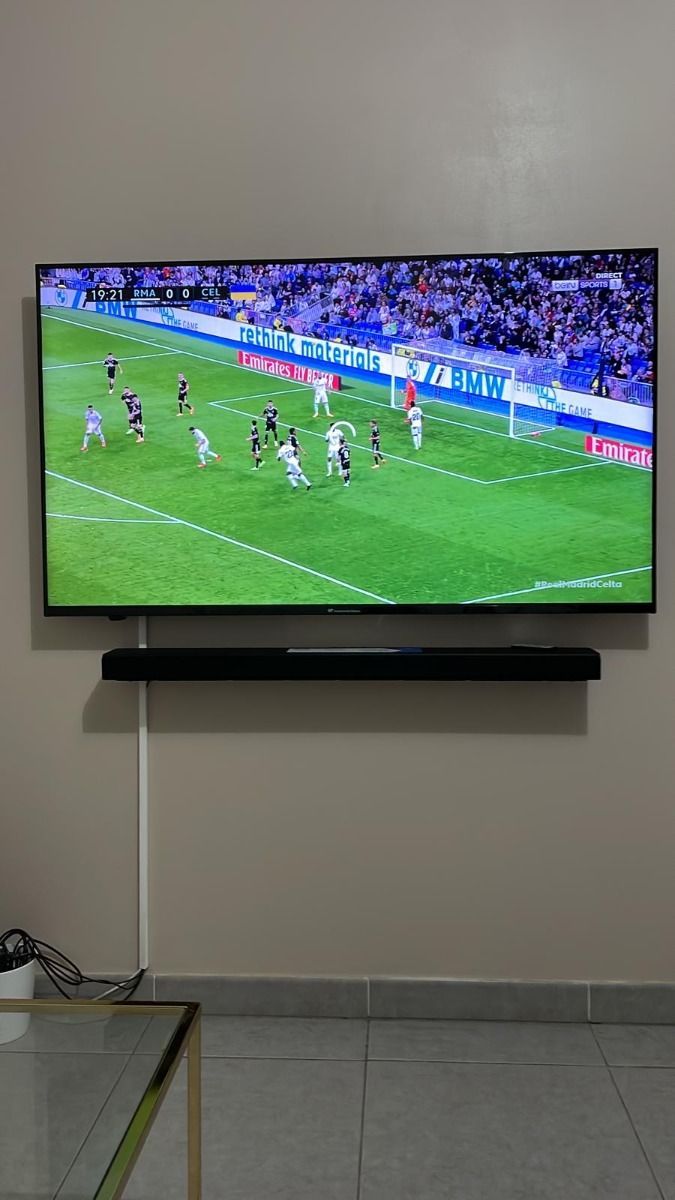
Use schedule information and favourites to find football, motorsport and major events. Exact coverage can change, so ask for a current category check.

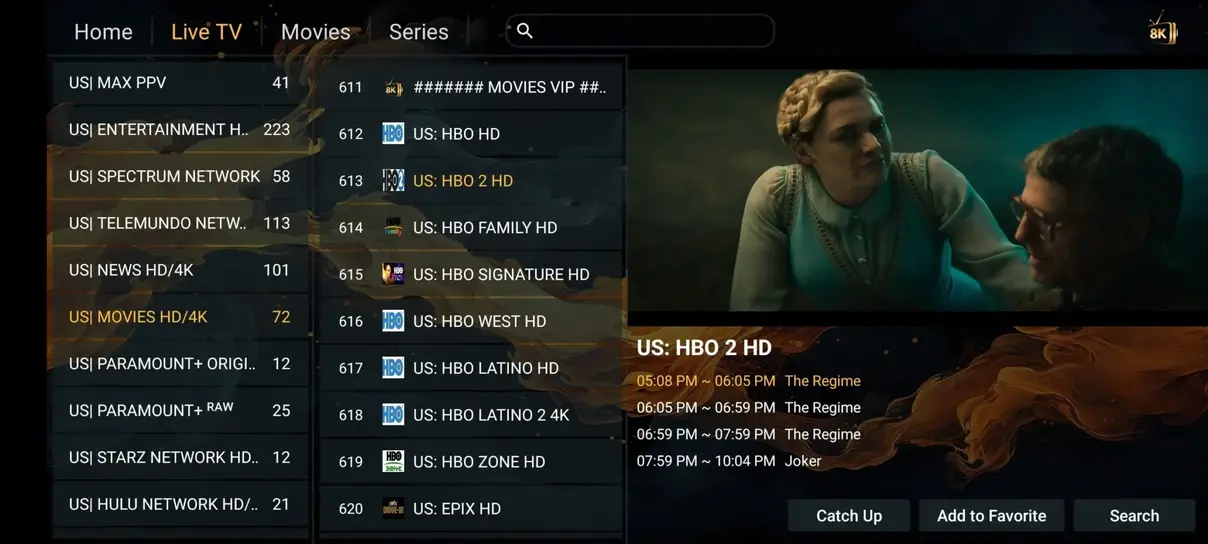
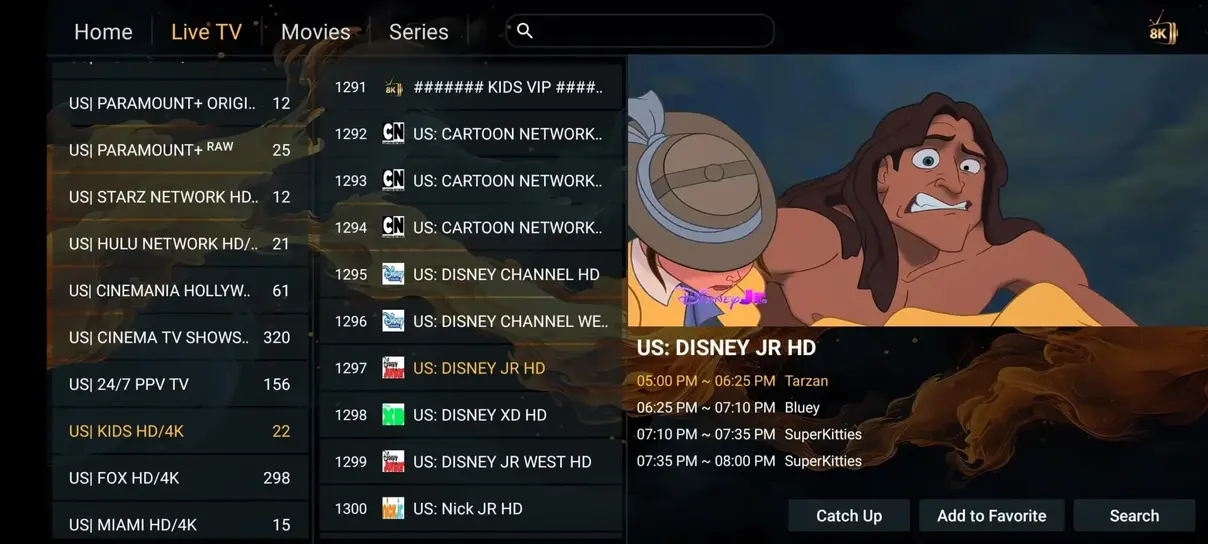
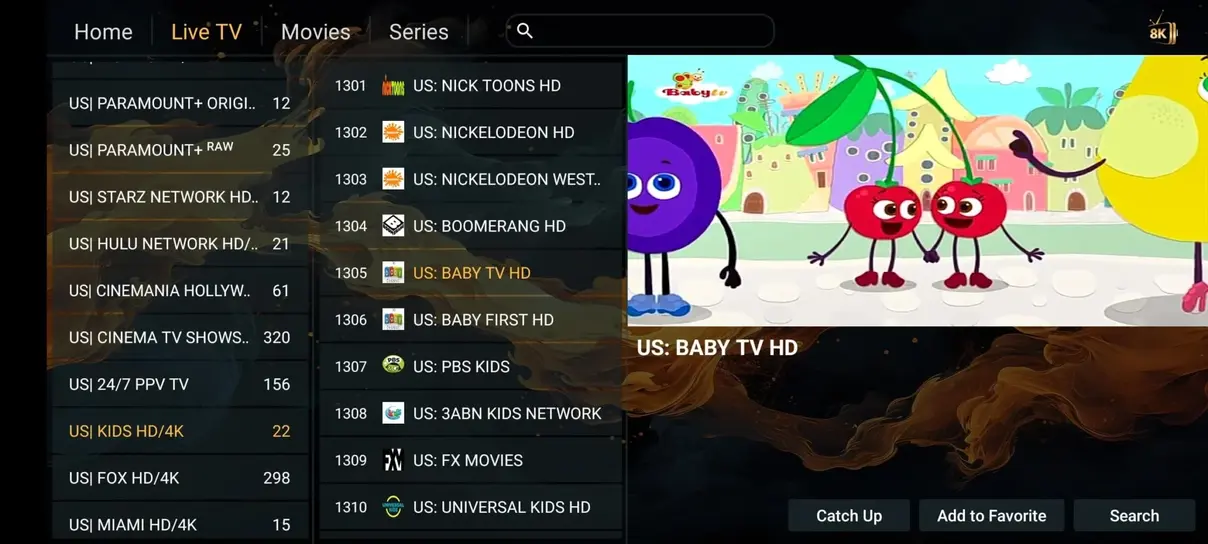
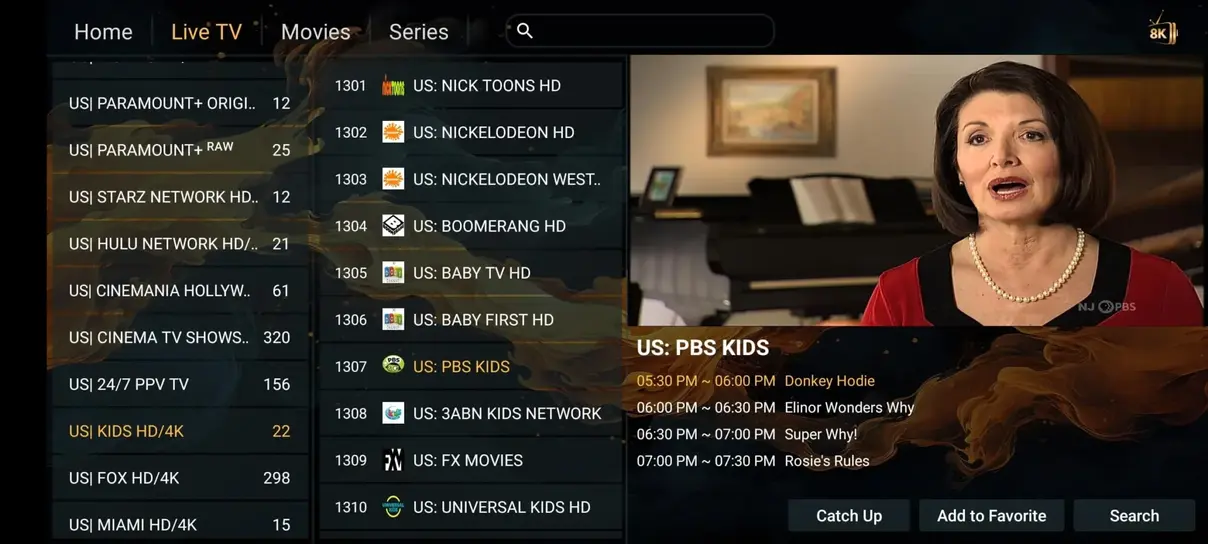
Interface preview

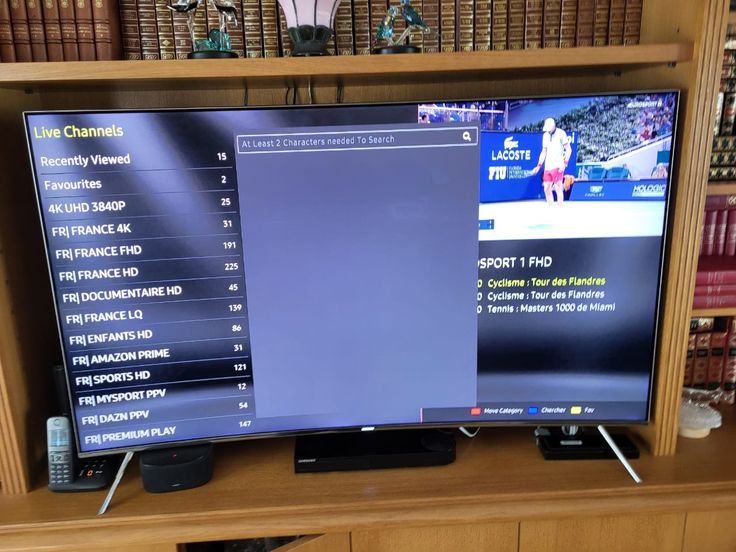
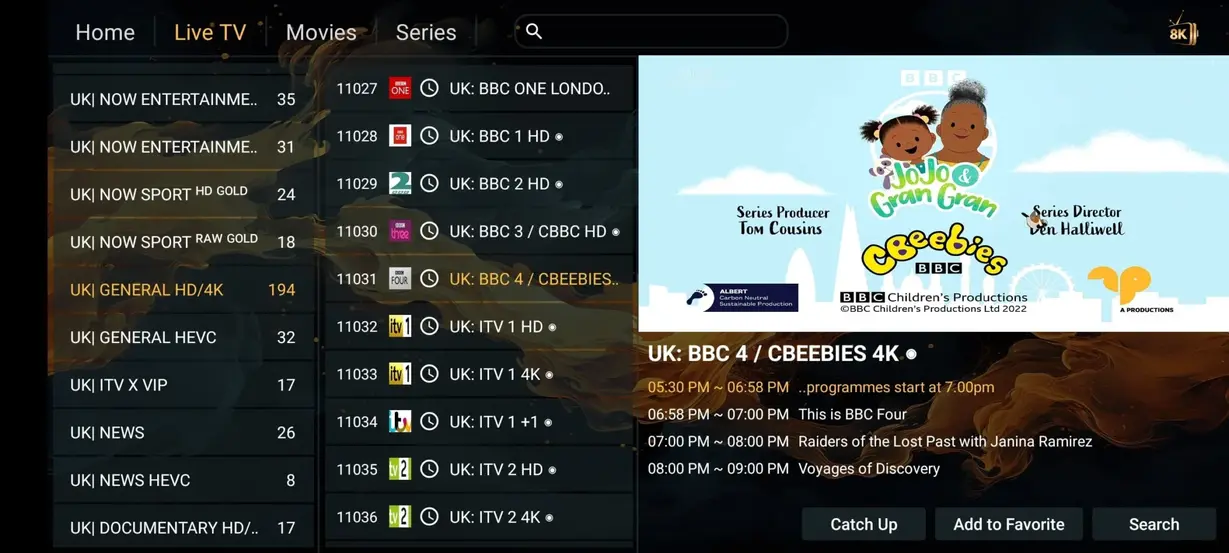
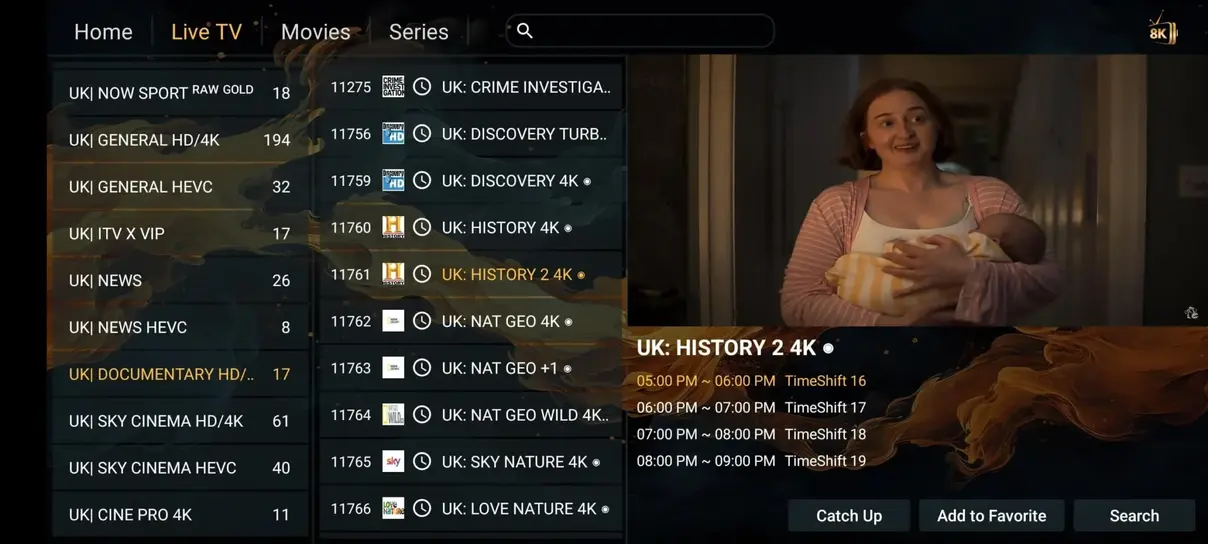
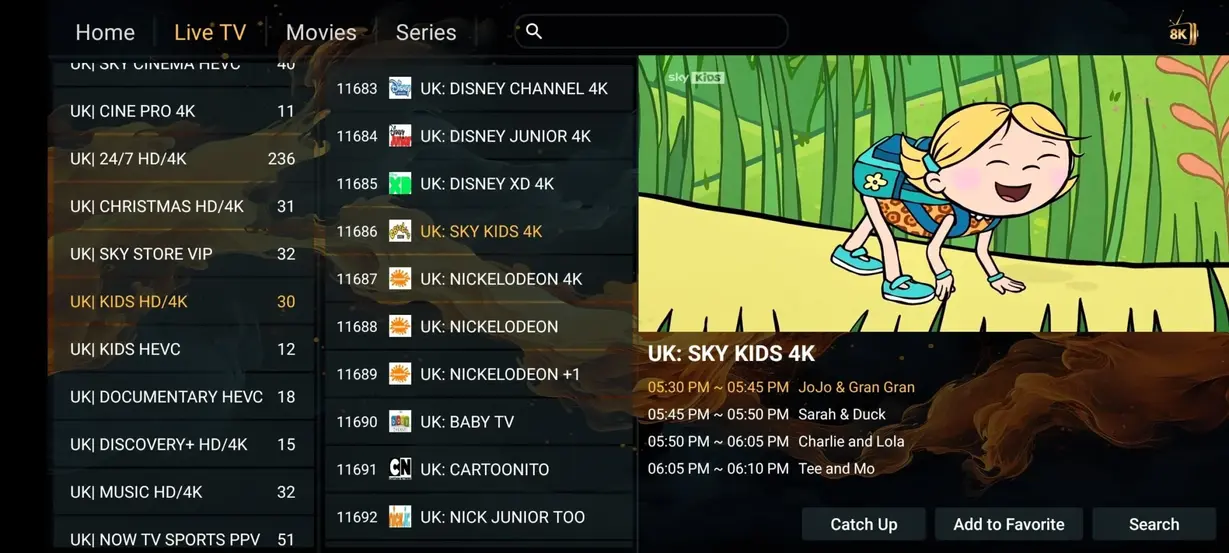
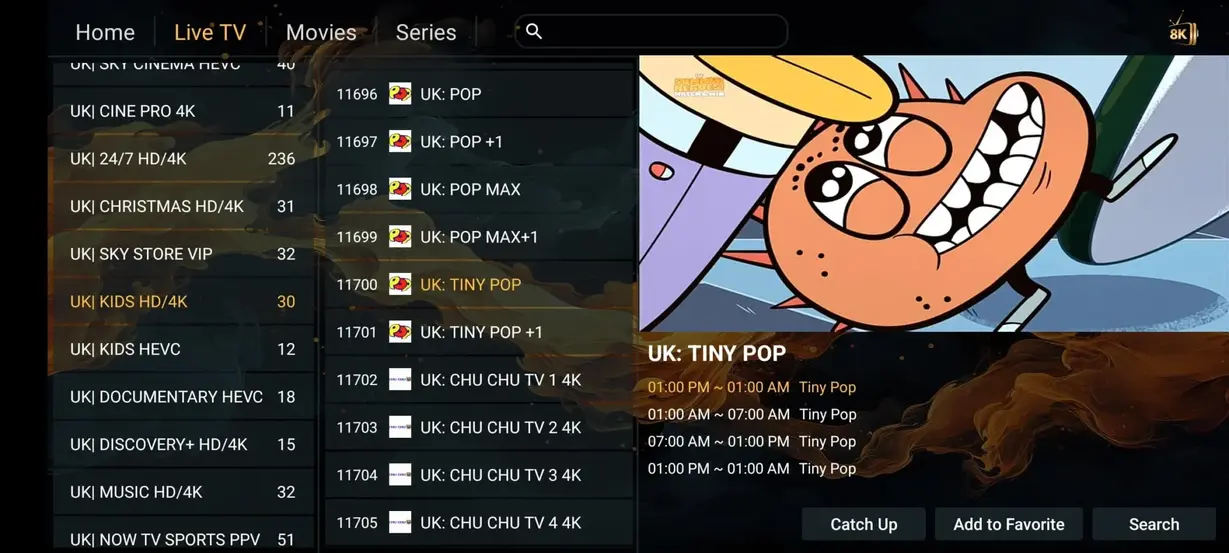
See how a streaming library can look

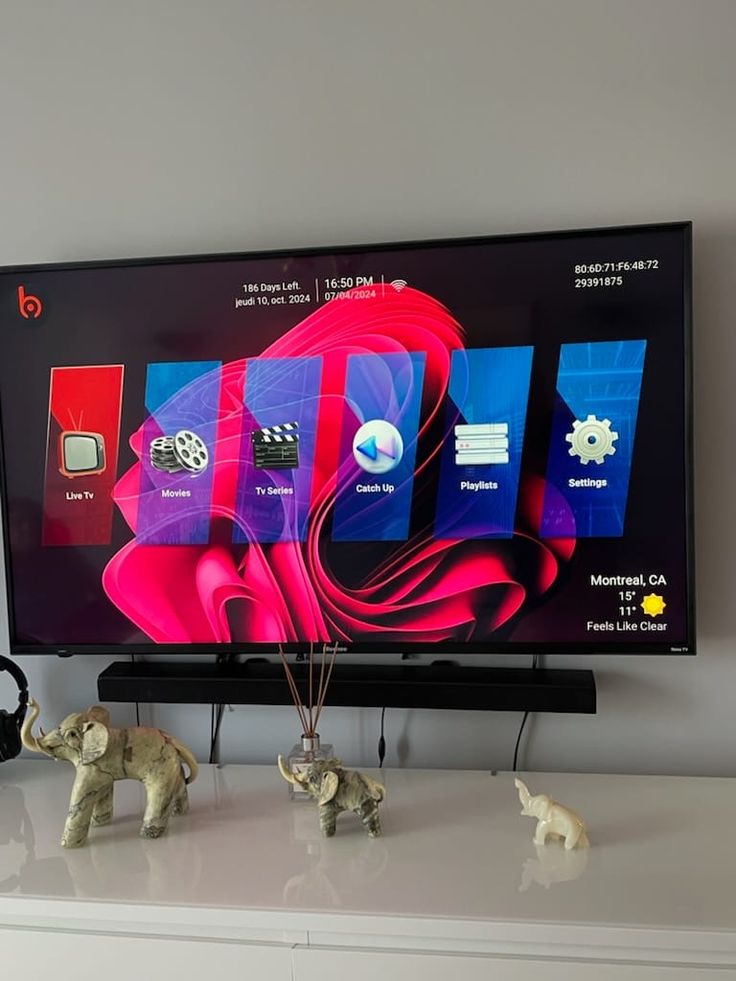
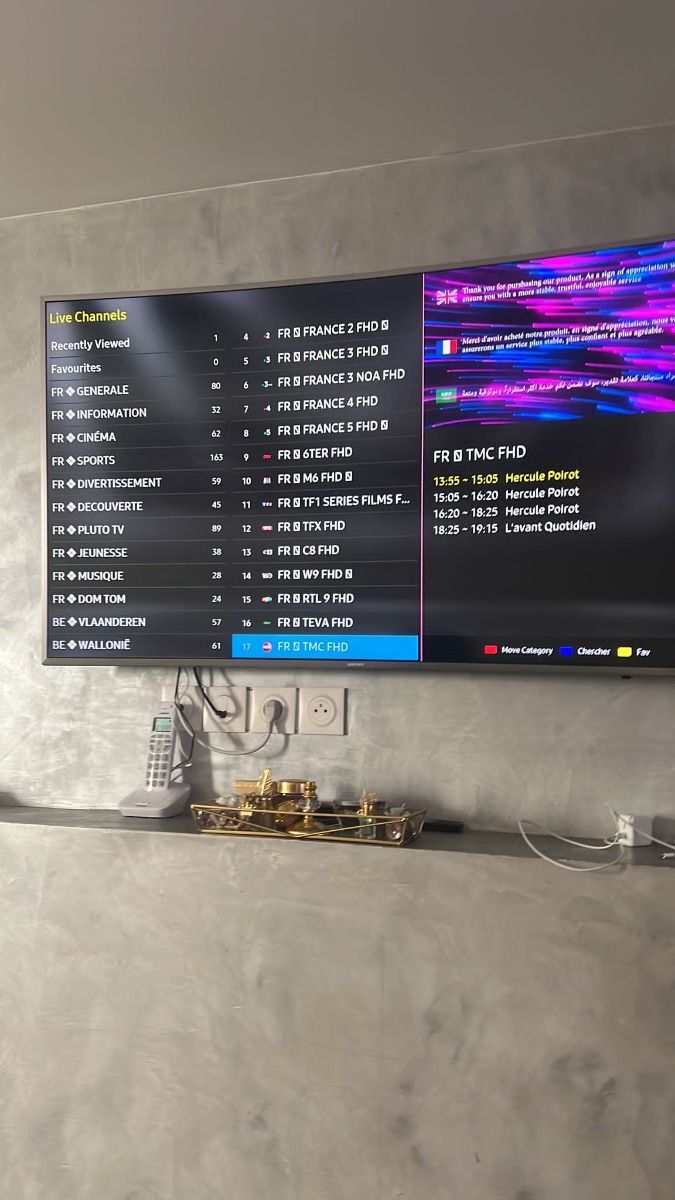
These local screenshots are visual examples. Your final interface depends on the app and device you choose.

App experience

A familiar television interface without the fuss

A useful IPTV player keeps live TV, films, series and radio close together, with readable status and simple remote navigation.

Compare IPTV apps
Dodo PlayerInterface preview
● Active demo
Live TV
Movies
Series
Radio
SettingsInformationExit

Compare the approach

Dodo IPTV and traditional television at a glance

The right option depends on your viewing, network and content requirements. Use this table as a practical starting point, not a universal guarantee.

ComparisonDodo IPTVTraditional cable or satellite
Annual costA$95 per yearOften A$1,200+ per year
Live channel categoriesBroad international selectionUsually 200–500 channels
Movies and seriesOn-demand library includedOften a separate add-on
Specialist categoriesAsk for current availabilityLimited or unavailable
24/7 themed channelsSelected groupsUncommon
Sport categoriesIncluded in the channel guideOften requires extra packs
Long contractNoCommonly 12–24 months
Watch on compatible devicesYesMay be tied to provider hardware

Build your plan

Dodo IPTV pricing that updates with your choices

Select a currency and one to six simultaneous device connections. Every displayed price and WhatsApp order message updates instantly.

Display currency
Connections
1 device
One subscription configuration with the selected number of simultaneous connections.

3 months

1 device

A$0

A$0.00 per day

A balanced way to test your regular viewing setup.

  • Live TV, sport and channel categories
  • Movies and series on demand
  • HD, Full HD and selected 4K
  • Setup guidance and support
  • Bonus month available on annual plan
Order 3 months

6 months

1 device

A$0

A$0.00 per day

A longer option without committing to a full year.

  • Live TV, sport and channel categories
  • Movies and series on demand
  • HD, Full HD and selected 4K
  • Setup guidance and support
  • Bonus month available on annual plan

Order 6 months

1 month

1 device · a flexible short-term option

A$0

A$0.00 per day

Order 1 month

Prices are shown before you leave the page. WhatsApp opens with your chosen plan, connection count, currency and total so you can check every detail.

Payment methods available for Dodo IPTV subscriptions

Three-step activation

From installation to viewing in three clear steps

A measured setup is easier to troubleshoot and helps your app load its first playlist correctly.

01

Install a compatible app

Open your device's official app store and install a player that supports M3U or Xtream Codes. Our installation guide lists practical options for each platform.

02

Enter your access details

Use the private details supplied after your order. Check spelling carefully, allow the playlist to finish loading and never post account details in a public message.

03

Refresh and start watching

Update the playlist and EPG, add a few favourites and test playback. If something looks wrong, check the connection before changing several settings at once.

Device flexibility

Watch on a compatible screen around the home

Choose a television, streaming box, phone, tablet or computer that supports a maintained IPTV player.

Australian viewing stories

What customers say about Dodo IPTV

Rated 4.9 out of 5 from 243 submitted reviews. Experiences vary by device, internet connection, app and content availability.

4.9 / 5Based on 243 reviews
Dodo IPTV viewing experience shared from Melbourne, VIC

Amelia T.

Melbourne, VIC

Customer story

★★★★★

The setup steps made it easy to get the app running on our lounge-room television. I particularly like having the programme guide and favourites together.

Dodo IPTV viewing experience shared from Sydney, NSW

Noah R.

Sydney, NSW

Customer story

★★★★★

Sport was my main reason for trying the service. The picture has been clear on ethernet, and support helped me check the right app setting.

Dodo IPTV viewing experience shared from Brisbane, QLD

Olivia M.

Brisbane, QLD

Customer story

★★★★★

The movie and series menus are simple enough for everyone at home. Search and recently watched make the larger library much easier to use.

Dodo IPTV viewing experience shared from Perth, WA

Jack P.

Perth, WA

Customer story

★★★★★

I use a Fire TV device and the installation guide was straightforward. Moving the device onto the faster Wi-Fi band made the biggest difference.

Dodo IPTV viewing experience shared from Adelaide, SA

Isla C.

Adelaide, SA

Customer story

★★★★★

The channel groups and favourites keep the interface tidy. I appreciated that the team explained the plan price before sending payment details.

Dodo IPTV viewing experience shared from Hobart, TAS

William S.

Hobart, TAS

Customer story

★★★★★

Catch-up and the EPG are the features we use most. They work well in our preferred player after the playlist and guide have fully refreshed.

Dodo IPTV viewing experience shared from Canberra, ACT

Mia L.

Canberra, ACT

Customer story

★★★★★

We chose two connections for separate screens. The order message clearly listed the plan, device count and AUD price, which avoided confusion.

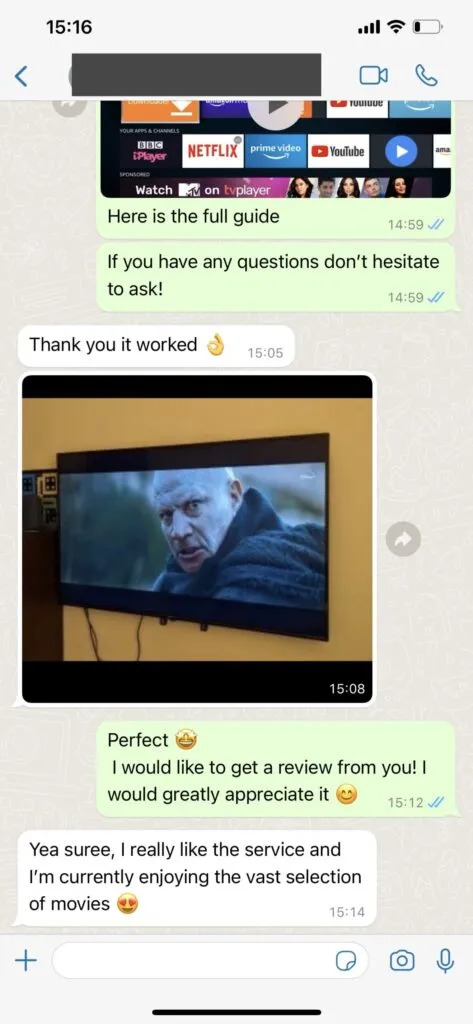
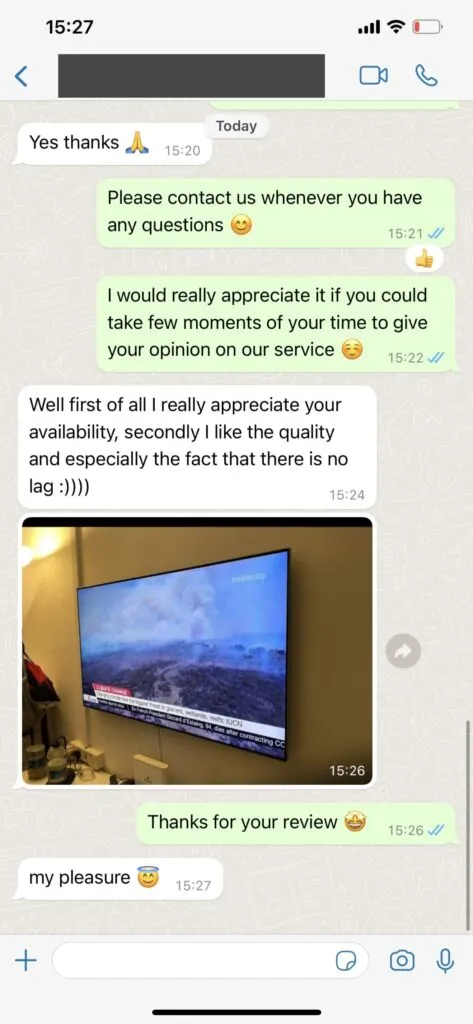
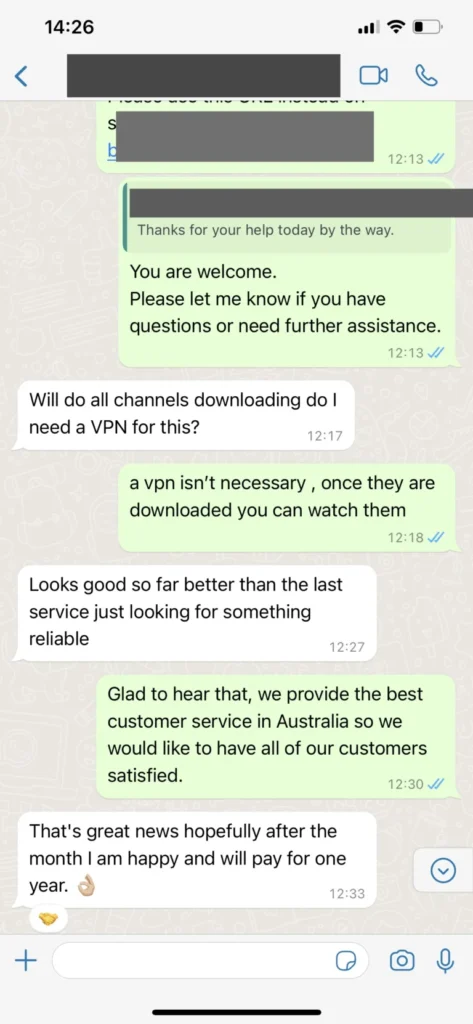
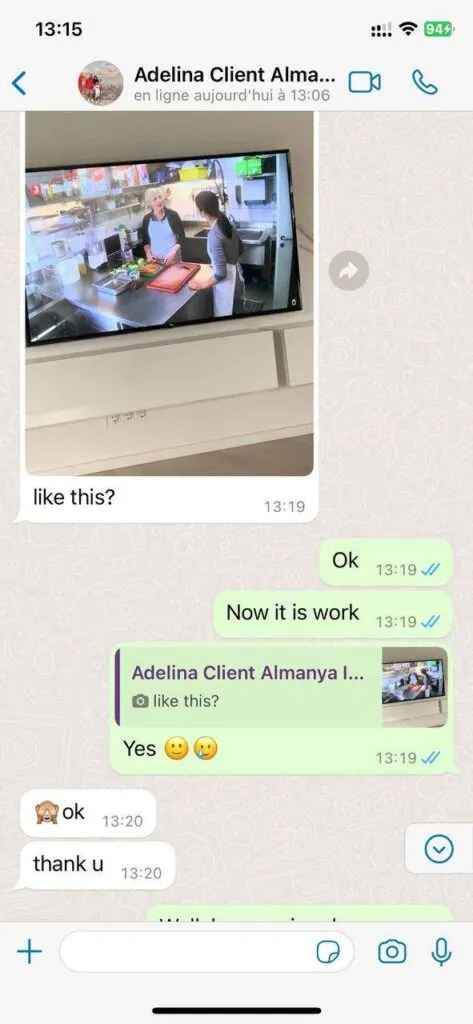
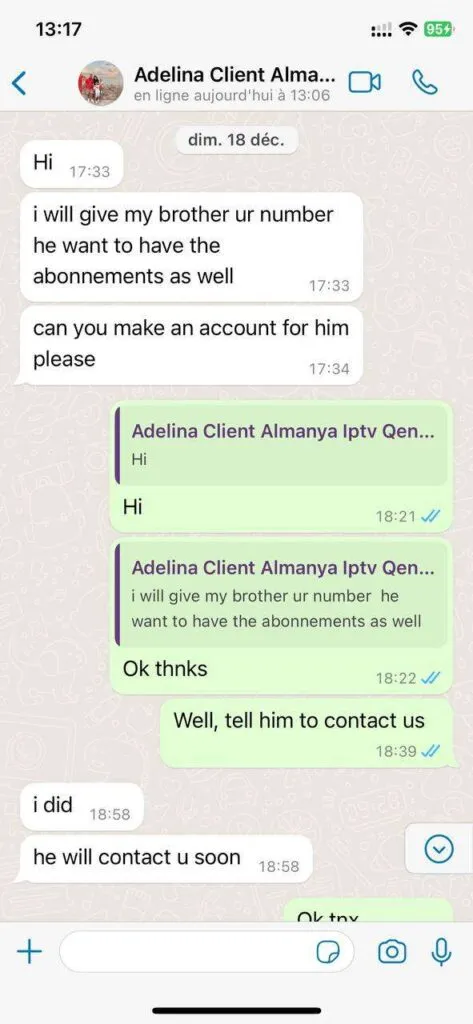
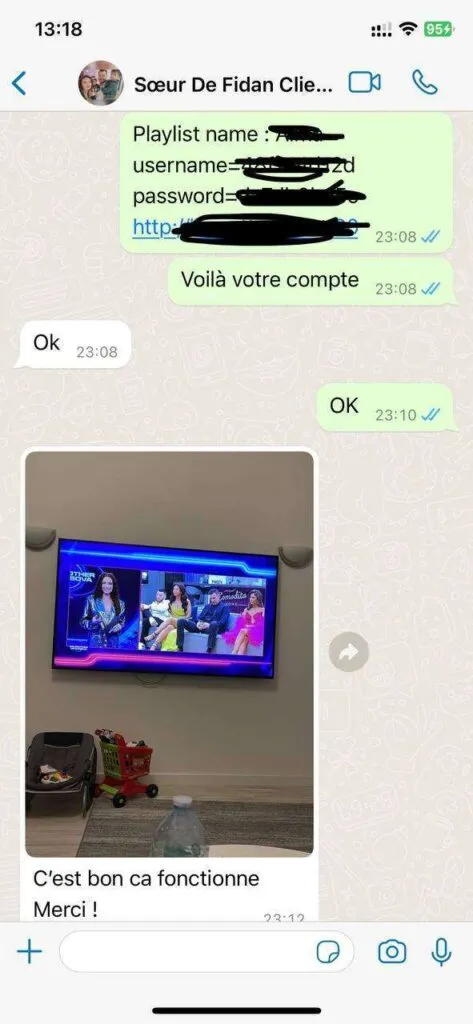
WhatsApp support experience

Clear conversations from plan choice to setup

These interface images show the style of support conversation. Never share account passwords in a public screenshot.

Dodo IPTV features

A practical feature set for Australian homes

Useful tools matter when they make daily viewing easier, not when they simply add more menu items.

Live channel categories

Browse Australian and international channel groups with favourites for the stations you use most.

Movies and series

Use search, categories and recent items to move through the on-demand library without endless scrolling.

HD to 4K options

Select a stream that suits your screen and connection rather than forcing the highest bitrate every time.

EPG and catch-up

See current programme information and use replay where the selected channel and app support it.

Sport and events

Keep major fixtures easier to find with dedicated live-sport categories and a clear channel list.

Multi-device choices

Configure one to six simultaneous connections and see the corresponding price before opening WhatsApp.

Automatic list refresh

Compatible apps can refresh channel and programme data without rebuilding your favourites manually.

Friendly support

Ask for help with app choice, initial configuration or a sensible troubleshooting sequence.

Broad compatibility

Use supported Smart TVs, Fire TV, Android, Apple, mobile and desktop devices.

No long contract

Select a fixed subscription duration and confirm the terms before payment.

Parental controls

Use the controls provided by your chosen app to limit access to categories in a shared household.

Travel-ready setup

Take a compatible device when travelling, subject to local availability, terms and laws.

Helpful answers

Frequently asked questions about Dodo IPTV

Clear guidance for plans, devices, connections, support and responsible use in Australia.

What customer support is available?

Friendly support is available by WhatsApp during extended hours. The team can help with choosing an app, entering access details, refreshing a playlist and checking common connection problems. Response times vary with demand, so we do not promise an instant reply.

How do ordering and payment work?

Choose a plan and open its WhatsApp button. The prefilled message includes the plan, device count, currency and displayed price. A support team member confirms the details and explains the available payment process before activation.

Which devices can I use with Dodo IPTV?

You can use compatible Smart TVs, Amazon Fire TV devices, Android TV boxes, Apple TV, phones, tablets, Windows computers and Macs. App availability differs by device and store region, so check the installation guide before ordering.

What type of content is included?

The service is organised into live television, sport, movies, series, radio and selected catch-up categories. Exact channel availability can change, so ask support for a current category check if a particular programme matters to you.

What internet speed should I have?

A stable 10 Mbps connection is a practical starting point for HD, while 25 Mbps or more is preferable for 4K. Your result also depends on Wi-Fi coverage, other household traffic, the device and the chosen stream.

Do I need a VPN in Australia?

A VPN is not automatically required. Some viewers use one for privacy or when diagnosing routing issues, but it can also reduce speed. Review your provider's terms and Australian law before using any streaming service.

Can I watch while travelling?

The service can be used on a compatible device with a suitable internet connection, subject to regional availability, provider terms and local law. Test the app and network before relying on it away from home.

WhatsApp support